
- Home
- Industries
Industries
Enabling transformation and progress across a wide range of industries globally, fostering innovation and growth in every sector.
Explore all → - Solutions
Connectivity
Connecting industries worldwide with reliable satellite internet solutions, driving innovation, efficiency, and growth across all sectors globally.
Explore all → - Services
Professional VSAT & IT Services
Delivering expert VSAT and IT solutions for seamless connectivity, reliability, and performance across all sectors.
Explore all → - Products
Superior Connectivity, Trusted Solutions
Offering premium Satcom products that guarantee reliable connectivity and boost innovation across industries.
Explore all → - Coverage
WorldWide Coverage
Delivering tailored satellite services that enhance connectivity, foster innovation, and support growth in every industry.
Explore all → - About
- Blog
- Contact
Peplink Products
Peplink Products
Peplink multi-WAN routers and SD-WAN solutions for bonding satellite, cellular, and fiber internet connections. Using SpeedFusion technology, Peplink delivers unbreakable VPN and maximum uptime for enterprise, maritime, and vehicle connectivity.

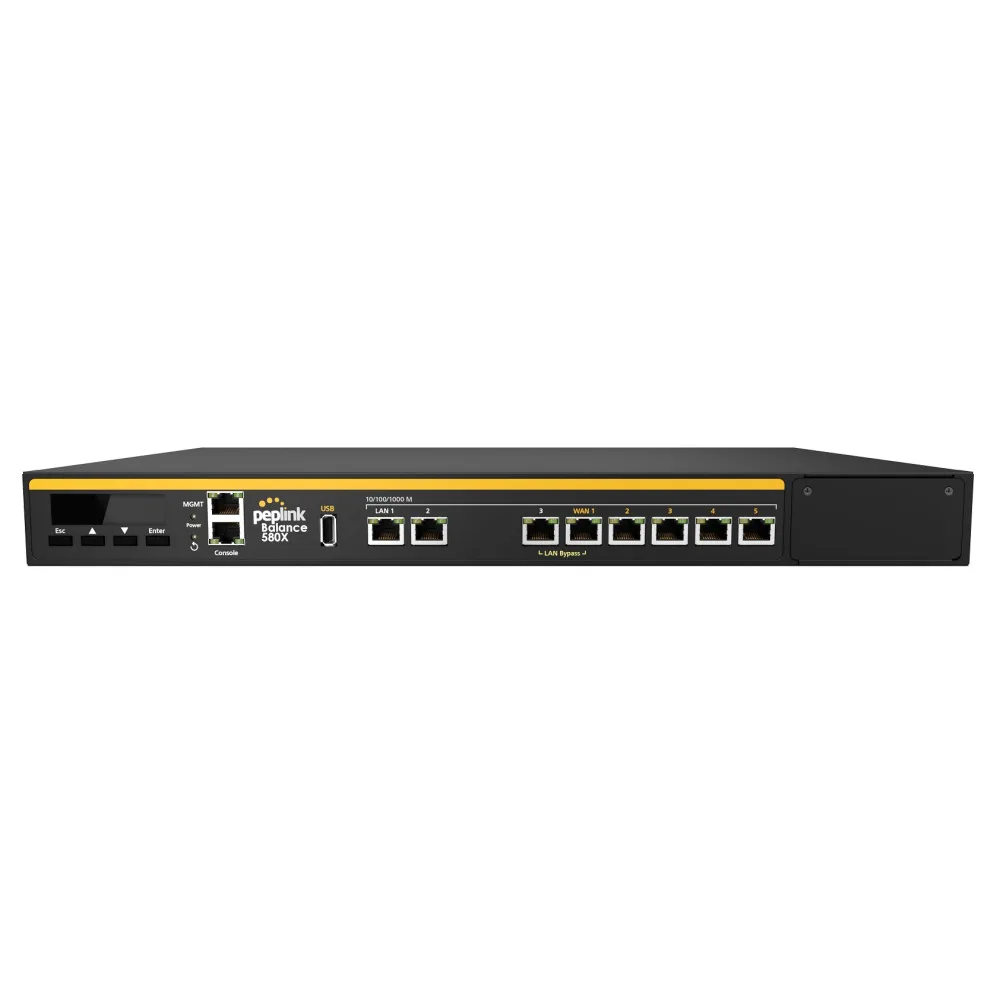
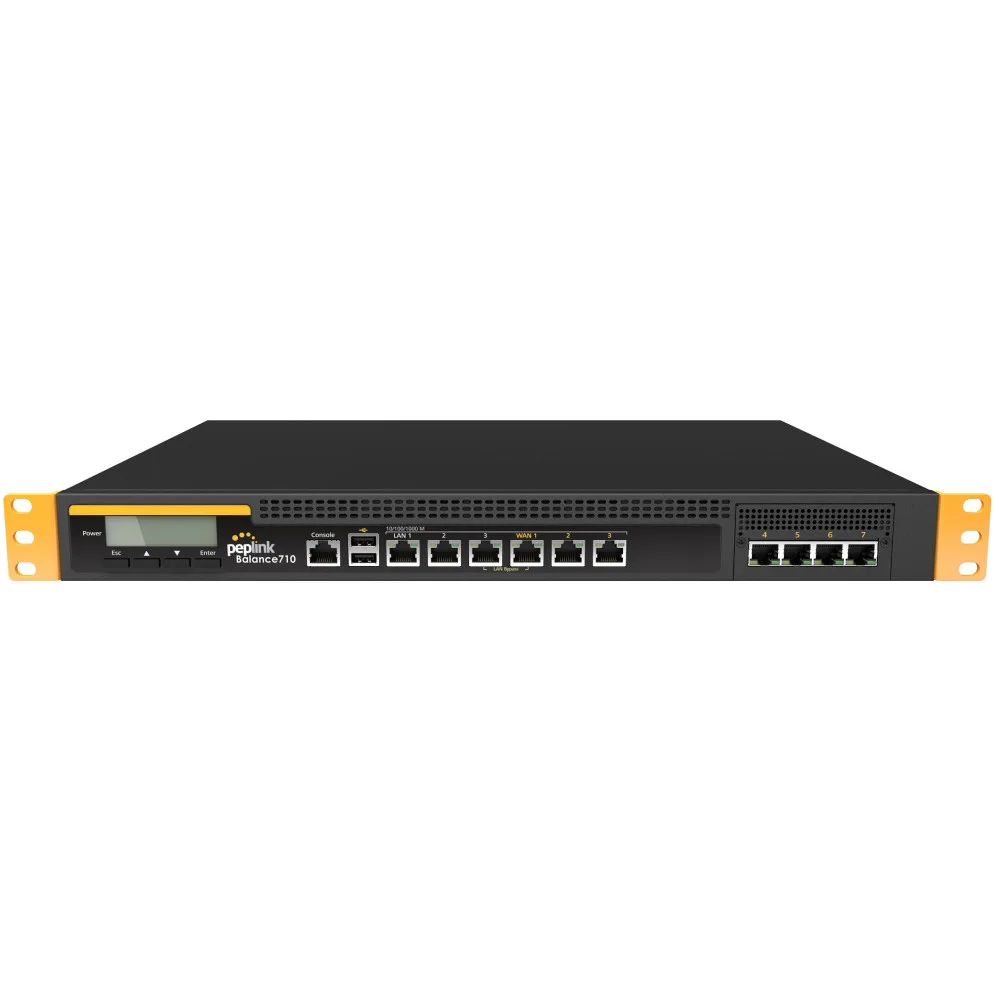
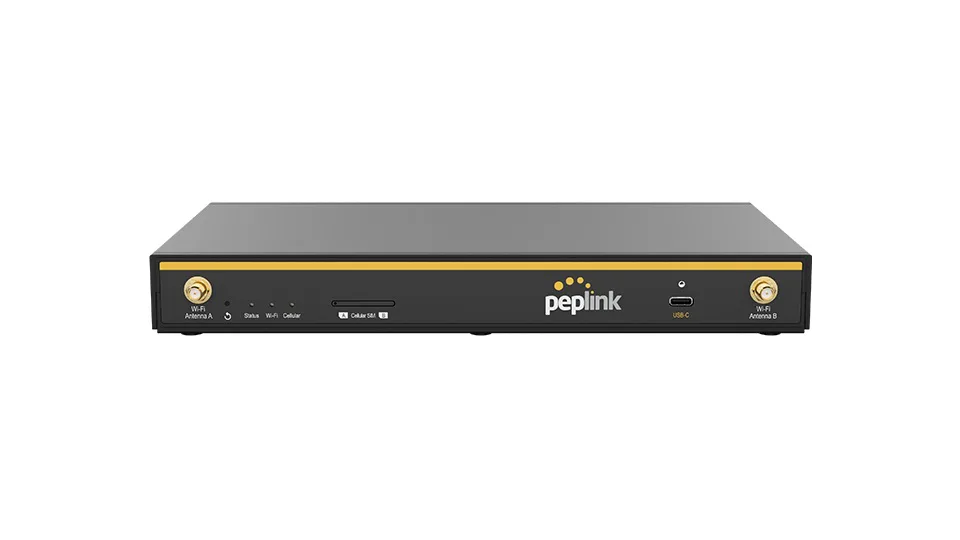
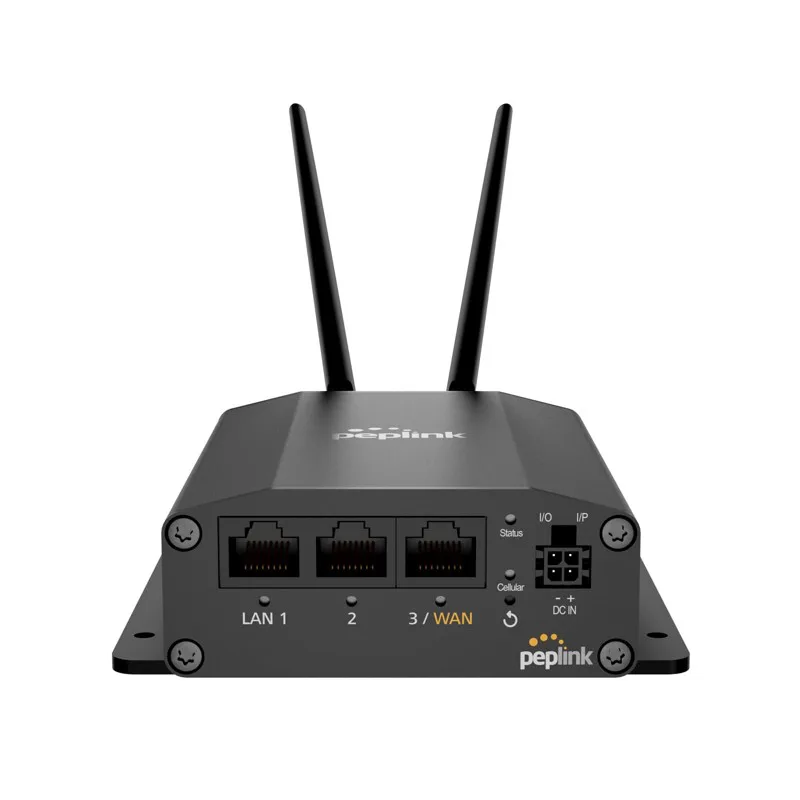
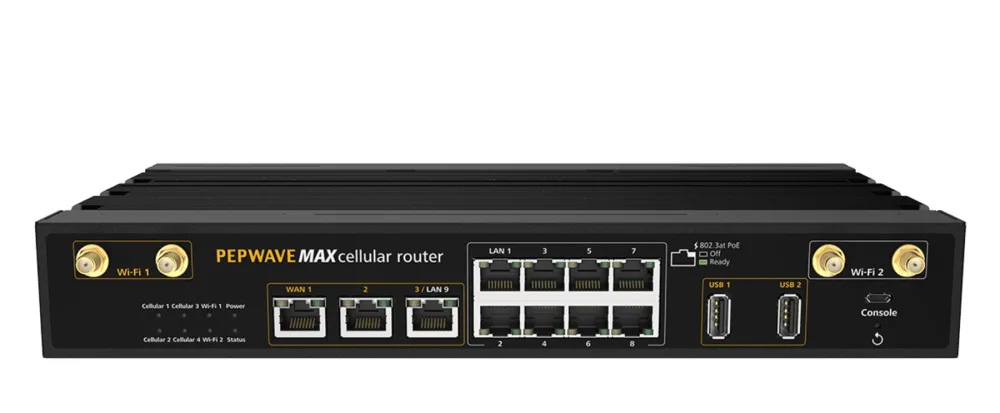
How to Choose a Peplink Multi-WAN Router
Start with the links you actually have and the ones you expect to add. Count the physical WAN sources at the site: satellite modem, fibre or DSL, and any cellular radios, then allow at least one spare port for a temporary link during a fault. Next, decide where the router sits. A fixed office or teleport rack favours the Peplink Balance series, with wired WAN ports and rack mounting; a vessel, vehicle or field enclosure favours the MAX series, which integrates cellular modems and tolerates a wider environmental range. Then look at throughput. Two figures matter and they are not the same: plain router throughput, which governs routing and load balancing, and SpeedFusion throughput, which is always lower because every packet is encrypted and encapsulated. Size the multi-WAN router on the SpeedFusion figure if you intend to bond. Finally, check the WAN technologies you need on day one against what the platform can add later through USB modems, SFP or an expansion slot.
SpeedFusion Bonding vs Load Balancing vs Hot Failover
These three terms describe different behaviours, and buyers often pay for one while expecting another. Load balancing distributes separate sessions across several WANs. It raises aggregate capacity for a group of users, but a single file transfer still rides one link and the session breaks if that link drops. Hot failover keeps a standby link ready and moves traffic to it when the primary fails, which costs a short interruption to anything stateful, such as a VPN or a voice call. SpeedFusion bonding is different in kind: it builds an encrypted tunnel to a remote endpoint and splits a single flow across every member link, so one session can use satellite and cellular capacity at the same time and survive the loss of any member. Bonding needs an endpoint at the far end, either a hosted SpeedFusion service or a second Peplink device in a data centre. Choose load balancing for cost, failover for simplicity, and bonding when session continuity is the actual requirement.
Throughput, Ports and Licensing: What to Compare
Router throughput and SpeedFusion throughput are the two headline numbers, and encryption means the bonded figure is always the smaller one, so size on it. Count WAN interfaces by type: Ethernet WAN, SFP or fibre WAN, embedded cellular modems, and USB for a fallback dongle. Check how many SIM slots each modem carries, since a second SIM lets you hold a local profile and a roaming profile at once and switch between them by policy. Look at the LAN side too: port count, PoE output if the router powers access points or cameras, and VLAN support where crew, guest and operational traffic must stay separated. For vessels and vehicles, confirm the DC input range, operating temperature and mounting arrangement. Finally, note which capabilities are licensed rather than built into the chassis, because SpeedFusion capacity, cloud management and support entitlements are commonly tied to a subscription plan and belong in the same conversation as the hardware.
Bonding Satellite, Cellular and Terrestrial Links
A satellite link and a cellular link fail in different ways, which is exactly why they pair well. VSAT gives wide coverage and predictable capacity but a long round trip and rain fade on Ku and Ka band; LTE and 5G give low latency and cheap bandwidth where there is coverage, and nothing at all where there is not. A bonded overlay keeps a voice or VPN session alive as a vessel moves out of cellular range and the satellite carrier takes the load. Design the overlay around latency rather than raw speed. Put interactive traffic, voice and out-of-band management on the low-latency member, allow bulk transfers and backups to use the satellite path, and set policies so a metered SIM does not silently absorb a software update. Test the failover behaviour before the site goes live, including a deliberate antenna blockage, so you know what a user actually experiences rather than what the dashboard reports.
Buying Peplink Products in the UAE and Wider GCC
Procurement in this region turns on three practical points. First, regulation: any device with a cellular or Wi-Fi radio is subject to national type approval, administered in the UAE by the TDRA and by equivalent authorities elsewhere in the GCC, so confirm the exact model variant and band plan before ordering rather than after it lands. Second, the SIM and carrier question. Roaming rules and local SIM availability differ between the UAE, Saudi Arabia and African markets, and they change what a bonded design can realistically deliver at each site. Third, integration. A multi-WAN router is rarely bought alone, and the useful discussion covers the satellite modem, antenna, cabling and remote management alongside it. GCCSAT supplies Peplink Balance, MAX and MBX hardware together with the satellite equipment it bonds, across the UAE, the wider GCC, MENA and Africa, and quotes on request against your site list, link mix and throughput target.
Peplink Products — Frequently Asked Questions
What is a Peplink multi-WAN router and what does it do?
A Peplink multi-WAN router connects to several internet links at once, such as satellite, cellular, fibre or DSL, and presents them as one resilient connection. It monitors the health of each link, steers traffic according to policy, and removes a failed link from service without manual intervention. With SpeedFusion enabled it can also bond links into a single encrypted tunnel so one session uses several paths simultaneously. The result is higher availability than any single circuit, which is why the platform is common on vessels, vehicles and remote sites.
What is the difference between load balancing and SpeedFusion bonding?
Load balancing spreads different sessions across different WAN links, so total capacity rises but any single session still depends on one link and drops with it. SpeedFusion bonding splits a single session across several links inside an encrypted tunnel, so the session survives the loss of any member and can exceed the speed of one link. Bonding requires a matching endpoint at the far end, either a hosted SpeedFusion service or another Peplink device, while load balancing and failover need nothing beyond the router itself.
Should I choose the Peplink Balance series or the MAX series?
Choose Balance for fixed installations where the WAN links arrive as wires: an office, a teleport, a headquarters or a data centre aggregation point. Choose MAX for mobile and remote deployments, because those models integrate cellular modems and are built for vehicles, vessels and field enclosures. The MBX line sits at the top of the mobile range for sites needing several cellular radios and higher bonded throughput. If the site is fixed but uses cellular as a backup path, either family can work, so decide on port count and throughput instead.
Can a Peplink router bond a VSAT link with 4G or 5G?
Yes. Bonding a VSAT carrier with one or more cellular links is one of the most common SpeedFusion designs, particularly at sea and on vehicles. The router sends packets across both paths and reassembles them at the endpoint, which hides brief cellular dropouts and satellite fades from the application. Because satellite round trip time is much longer than cellular, apply policies that keep interactive traffic on the low-latency path and let bulk transfers use satellite capacity. Test the behaviour with a deliberate blockage before go-live.
Do I need a SpeedFusion endpoint at the other end?
Yes, for bonding. SpeedFusion builds a tunnel, and a tunnel needs two ends, so you terminate it either on a hosted SpeedFusion service or on a second Peplink appliance in a data centre or head office. Plain load balancing and hot failover need no far end at all and work with the router by itself. If the goal is simply for sessions between two of your own sites to survive a link failure, putting a device at each site is usually the simpler and cheaper answer.
Can GCCSAT supply Peplink routers in the UAE, Saudi Arabia and Africa?
Yes. GCCSAT supplies Peplink Balance, MAX and MBX routers across the UAE and the wider GCC, and to projects in MENA and Africa, usually alongside the satellite and cellular hardware they are bonding. Send the site list, the link types available at each location, the throughput you need and whether the design uses hosted or self-hosted SpeedFusion endpoints. Everything is quoted on request. Confirm the model variant and radio bands early, because cellular type approval and band plans differ between markets.
Product Categories
- VSAT BUC
- VSAT LNB
- VSAT Antennas
- VSAT Fixed Antennas
- VSAT Flyaway Antennas
- VSAT Maritime Antennas
- VSAT KingSat Antennas
- L-Band Satellite Terminals
- Cobham BGAN Terminals
- Thuraya L-Band Terminals
- VSAT Satellite Modems
- Satellite Phones
- Teltonika Products
- Sangfor Firewall & SD-WAN
- Thuraya Accessories
- Excelerate Hybrid Connectivity
- Peplink Products
- VSAT RF Components
- VSAT Hub & Test Equipment
- Remote Site Power Systems
Need a Quote?
Contact our sales team for pricing, availability, and shipping to your location.
Request QuoteWhatsApp