
- Home
- Industries
Industries
Enabling transformation and progress across a wide range of industries globally, fostering innovation and growth in every sector.
Explore all → - Solutions
Connectivity
Connecting industries worldwide with reliable satellite internet solutions, driving innovation, efficiency, and growth across all sectors globally.
Explore all → - Services
Professional VSAT & IT Services
Delivering expert VSAT and IT solutions for seamless connectivity, reliability, and performance across all sectors.
Explore all → - Products
Superior Connectivity, Trusted Solutions
Offering premium Satcom products that guarantee reliable connectivity and boost innovation across industries.
Explore all → - Coverage
WorldWide Coverage
Delivering tailored satellite services that enhance connectivity, foster innovation, and support growth in every industry.
Explore all → - About
- Blog
- Contact

Authorized Peplink Partner
Peplink SD-WAN Routers and SpeedFusion Bonding
Peplink routers let a site, vessel or vehicle use several internet connections at once and manage them as one resilient network. As an authorized Peplink partner, GCCSAT designs, configures and supports Peplink SD-WAN for organizations that depend on satellite, combining VSAT, OneWeb, Starlink and 4G/5G so that losing one link becomes a non-event rather than an outage. Since 2011 we have served maritime, energy, mining, government and humanitarian operators on several continents.
Below we explain how SpeedFusion works, which Peplink families suit which deployments, from Balance routers in offices to MAX and Dome units on vehicles and ships, and how a project moves from survey to round-the-clock monitoring. If you are planning a Starlink rollout, our Starlink and Peplink solutions page covers kit selection and licensing in more depth.
At a glance
Bonding, not just failover
SpeedFusion spreads traffic across every available link at packet level, so a single video call or file transfer can use the combined capacity of satellite and cellular.
Sessions survive link drops
Hot Failover moves live traffic onto healthy links when a connection fails, so VPN, VoIP and remote desktop sessions carry on instead of forcing users to reconnect.
One dashboard for every site
Peplink InControl shows link health, data usage and device status across a whole fleet, and lets our engineers change configurations remotely.
Watched by our 24/7 NOC
Our network operations center monitors WAN performance around the clock, flags degraded links and works with satellite and cellular providers to restore service.
How SpeedFusion Bonding, Smoothing and Hot Failover Work
SpeedFusion is Peplink's patented technology for building an encrypted tunnel across several WAN links to a peer: a Peplink router at headquarters, a FusionHub virtual appliance in a cloud or data center, or Peplink's hosted SpeedFusion Connect service. Inside the tunnel, bandwidth bonding distributes packets over all links, WAN Smoothing duplicates packets across links to mask loss and jitter, and Hot Failover keeps sessions alive when a path disappears. When internet traffic is routed through the tunnel it exits at the endpoint, so applications keep one stable public address while the satellite or cellular links underneath change.
Choosing Between Peplink Balance, MAX, Dome and Orbit Routers
The Peplink Balance series covers fixed sites, from the entry-level Balance 20X for small branches to the Balance 310X and 580X for busier offices, while EC models such as the Balance 5000 EC add onboard computing for hub and data center roles. The MAX family is built for mobility, with MAX BR1 Pro 5G and MAX BR2 Pro routers for vehicles and field teams and MAX Transit models for transport fleets. Dome series routers put 5G modems and embedded antennas in outdoor housings for masts and vessels, and the MAX Orbit series bonds several satellite terminals, such as Starlink and OneWeb, into one connection.
- Offices, camps and fixed sites: Balance and SDX series
- Vehicles and field teams: MAX BR and MAX Transit
- Masts, decks and exposed poles: Dome series
- Multi-terminal satellite sites: MAX Orbit series
Running Starlink, OneWeb, VSAT and 5G Through One Peplink
Peplink treats each satellite terminal as an Ethernet WAN, so one network can mix very different links. Geostationary VSAT offers wide, predictable coverage but higher latency, OneWeb and Starlink bring low latency from low Earth orbit, and 4G or 5G performs well near coasts and towns but fades offshore and in remote terrain. SpeedFusion lets us place each application on the most suitable path and blend links when one is not enough. Peplink firmware can also show Starlink dish status in InControl and ride through brief obstruction outages.
Our Peplink Deployment Process, from Survey to NOC Monitoring
Each project starts with the operating picture: users, critical applications, where the site or vessel goes and which links are licensed there. We then size the router, choose cellular modems and antennas, and decide where the SpeedFusion peer should sit: in your data center, in a cloud FusionHub or on SpeedFusion Connect. Configurations are prepared and tested before dispatch, installed with weatherproof cabling and correct grounding, and commissioned against agreed failover tests. After handover, devices are enrolled in InControl and our NOC monitors link quality, alerts and firmware, so many issues can be resolved remotely.
Peplink routers available from GCCSAT
 Peplink Balance 310 Fiber 5GPeplink Balance 310 Fiber 5G router for bonding fiber WAN with 5G cellular using SpeedFusion.
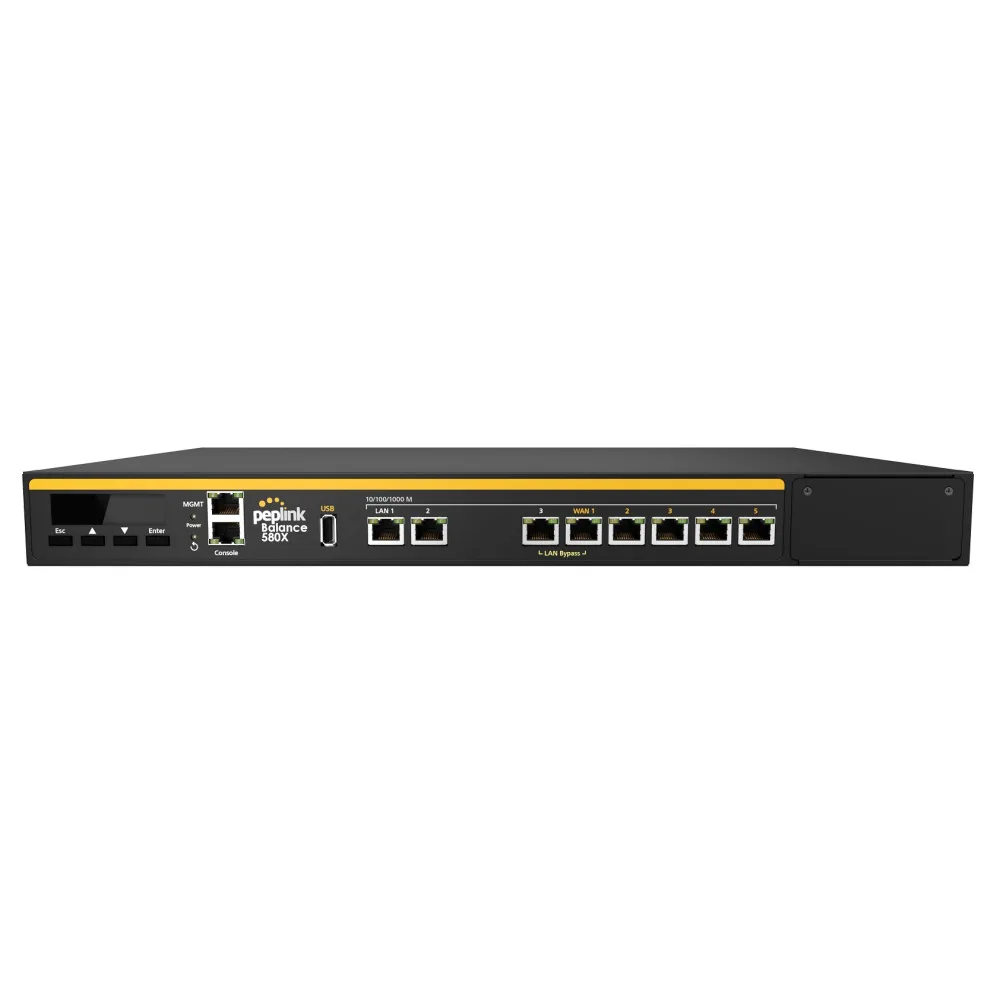 Peplink Balance 580XPeplink Balance 580X high-capacity multi-WAN router for maximum enterprise satellite and cellular throughput.
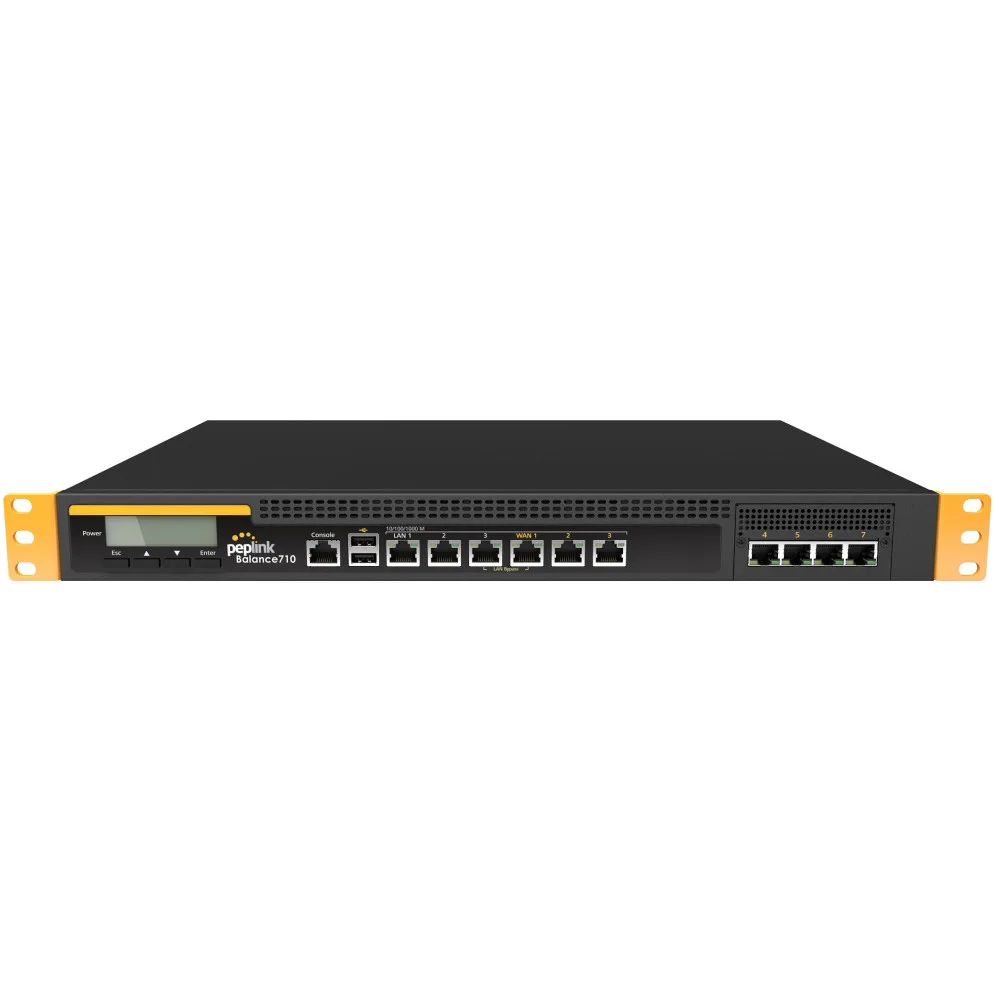 Peplink Balance 710Peplink Balance 710 carrier-grade multi-WAN router for large enterprises and ISPs with advanced failover.
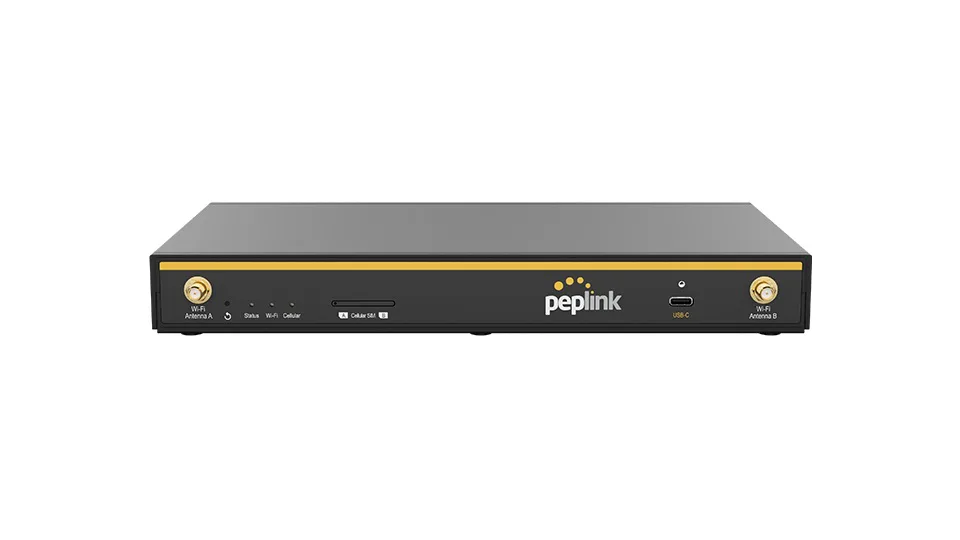 Peplink B OnePeplink B One compact SD-WAN branch router with Wi-Fi 6 and SpeedFusion; the B One 5G version adds an embedded 5G modem.
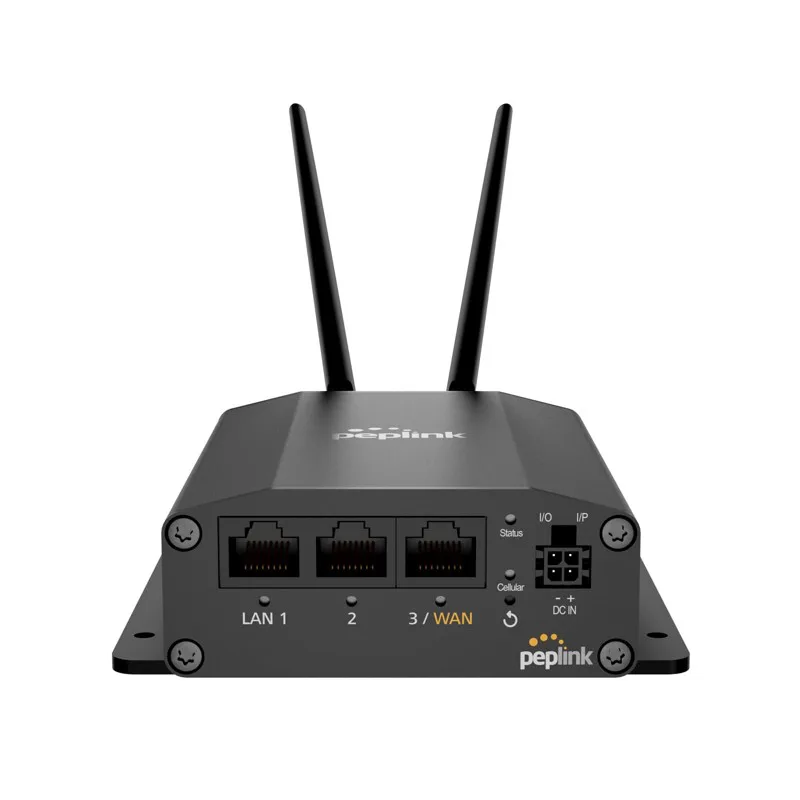 Peplink MAX BR1 MiniPeplink MAX BR1 Mini compact cellular router for vehicles and remote sites with SpeedFusion bonding.
 Peplink HD2 MBXPeplink HD2 MBX dual-LTE in-vehicle router with SpeedFusion bonding for mission-critical mobile operations.
Frequently Asked Questions
Is load balancing the same as SpeedFusion bonding?
No. Load balancing assigns each session to one link, which adds capacity for many users but cannot speed up a single transfer or save a call when its link fails. Bonding splits a session's packets across links inside a tunnel. Most designs use both: outbound policies for bulk traffic and SpeedFusion for critical applications.
What do I need at the other end of a SpeedFusion tunnel?
Bonding needs a SpeedFusion peer. That can be a Peplink router at your head office, a FusionHub virtual appliance in a public cloud or on your own servers, or Peplink's SpeedFusion Connect service. We recommend one based on where your applications are hosted and how much traffic needs bonding.
Can a Peplink router bond Starlink with 4G or 5G?
Yes. Starlink connects to a Peplink WAN port as an Ethernet uplink, with any Starlink router in bypass mode, and cellular comes from the router's built-in modems. SpeedFusion can bond both, or hold cellular in reserve for obstructions. Starlink availability and licensing vary by country, so we check them first.
Which Peplink router suits a vessel?
It depends on how many satellite terminals you run, how much coastal 5G you need and the space available. A small vessel may need only a compact MAX router with external antennas, while larger ships often pair a MAX Orbit or Balance router with a Dome router on the mast.
Can GCCSAT support Peplink routers we already own?
Yes. With your permission, existing Peplink devices can be added to our InControl management, checked against current firmware and recommended settings, and placed under 24/7 NOC monitoring. We can also redesign traffic policies and SpeedFusion profiles when you add links such as OneWeb or Starlink.
Related Solutions
Talk to a GCCSAT engineer
Tell us where you operate and what you need to connect. We reply within 24 hours with a recommended design.